
Wedding Video Guestbook Station Ideas: Plan the Message and the Handover
Plan a voluntary wedding video guestbook with a clear invitation, a recording rehearsal, a paper alternative and an agreed file handover.

By Emma & Ella FrostUpdated November 16, 2026

5-Ingredient Dump & Go Crockpot Meals
101 effortless slow cooker recipes for busy families.
View on AmazonAvailable on AmazonA wedding video guestbook station needs more than a camera facing an attractive backdrop. Guests need to know whether recording is optional, what to say, how to start and stop, and where their message will go. Plan those decisions before choosing the decoration.
This guide treats the station as a short, voluntary message activity, not a replacement for a videographer or a promise that a particular app will save every recording. Use the actual device and service instructions for the technical setup. The planning framework below helps you decide what to test and who will look after it.
Choose the recording workflow before styling the table
Decide whether a helper will operate a device or guests will use a self-service setup. A helper can explain the activity and check that the recording has stopped. A self-service version needs an understandable start-and-finish sequence that someone unfamiliar with it can follow.
Write down that sequence for the specific system you intend to use. Does the guest press a physical button, use an app on a supplied device or open a page on their own phone? Does the message need uploading, and does the system actually confirm that it was saved? Those are product-specific questions, not interchangeable steps.
Do not buy a stand or design a sign until those choices are settled. A station requiring guests' own phones is a different experience from a supplied camera. Avoid presenting a QR code as the whole plan: the destination, connection requirements and recording process still need checking.
Keep the invitation short and clearly optional
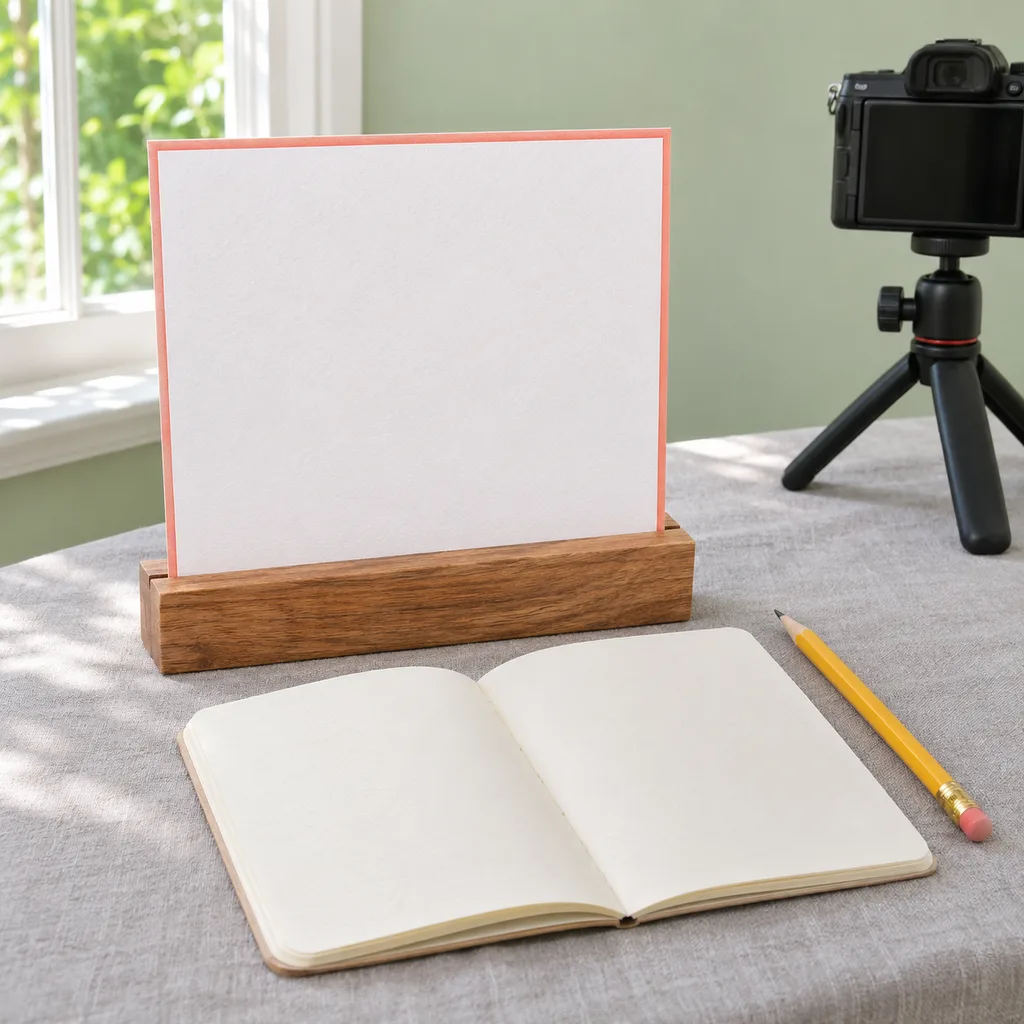
A useful invitation can be as simple as: "Want to leave a video message? Share a memory or a wish for us. Recording is optional; please ask before including anyone else." Adapt the wording to the couple and the actual setup rather than promising a time limit or feature the system does not provide.
Add a separate short instruction for starting and finishing only after you have tested the device. A decorative heading should not compete with the action guests need to find. Keep the instruction next to the controls it explains, not hidden behind flowers or printed on the reverse of a card.
Offer a paper message option for anyone who would rather not appear on video or cannot conveniently use the device. Do not interpret attendance at the reception as permission to record or publish someone's message. This is a planning principle, not a legal consent form or a claim of privacy-law compliance.
Choose a pause spot rather than the entrance queue
Discuss the location with the venue and coordinator. Someone leaving a personal message may need a different setting from someone collecting a program. Keep the recording activity away from the immediate arrival task if it would cause people to wait in a doorway.
Listen from the proposed position during the rehearsal where possible. Music, conversations and service activity may make a message hard to hear. Record and play back an actual sample with permission rather than assuming an attractive corner will also work for sound.
Confirm the permitted equipment, power arrangements and placement with the venue. Follow the device and support instructions; do not improvise overhead mounts or run loose cables through the guest route. This guide supplies neither installation specifications nor accessibility certification.
Give the background one clear visual idea
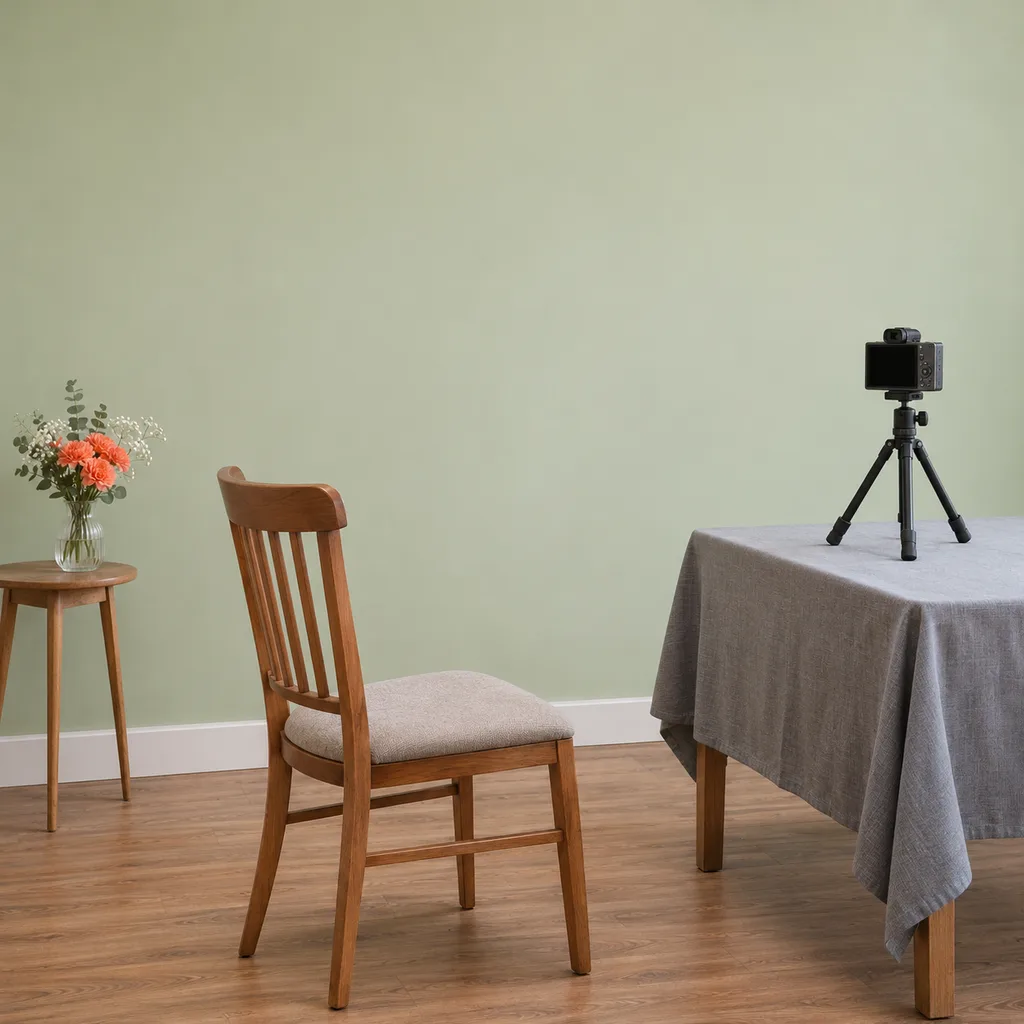
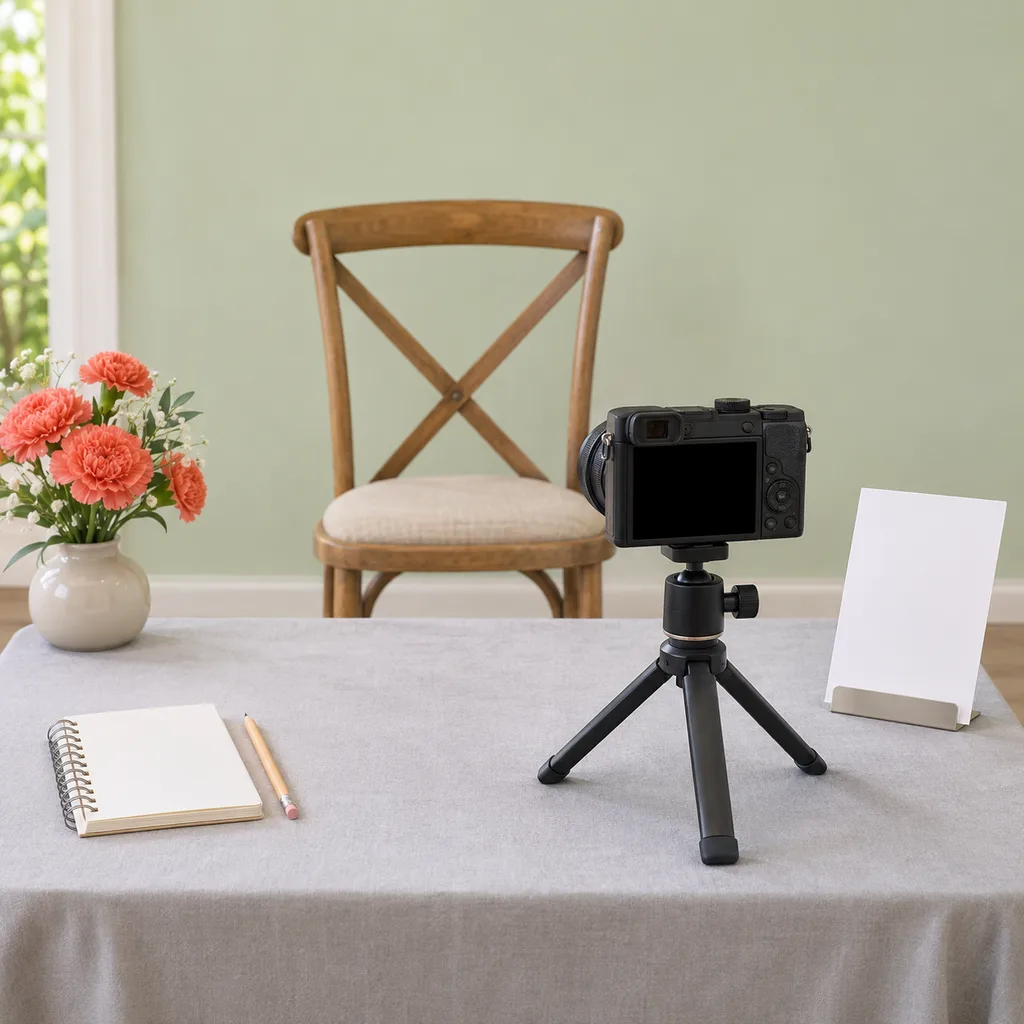
Try a plain wall with a small arrangement off to one side, an existing venue feature, or a simple approved freestanding display. Check the actual camera view before decorating the full area. An object that looks balanced from the room may appear directly behind a guest's head in the recording.
Leave the device controls visible and usable. Do not wrap fabric around equipment or hide a screen inside a decorative box. Keep flowers, liquids and loose decorative pieces away from the device, and leave any clearances required by its instructions.
Repeat one reception color in the instruction-card border or nearby linen rather than building a whole new theme. The distinction from an ordinary wedding welcome table is the recording workflow: greeting guests and collecting video messages do not need to share a surface.
Rehearse one complete message, including retrieval
Have a willing helper approach the station without coaching. Ask them to follow the instructions, make a sample message and finish. Then check the result through the actual storage or account workflow. Seeing a camera preview is not the same as verifying a saved, playable file.
Review whether the intended person is in frame and the voice can be understood. Check who can open the recording, whether it has reached its intended destination, and what happens when another person starts. Do not assume the app automatically hides previous messages or prevents a guest from viewing them.
Use the provider's instructions to verify connection, storage, battery and account requirements. If the rehearsal fails, simplify the activity or use paper messages rather than promising recordings you cannot retrieve. Delete test files when they are no longer needed, with the test participant's agreement.
Assign one person to check and collect the station
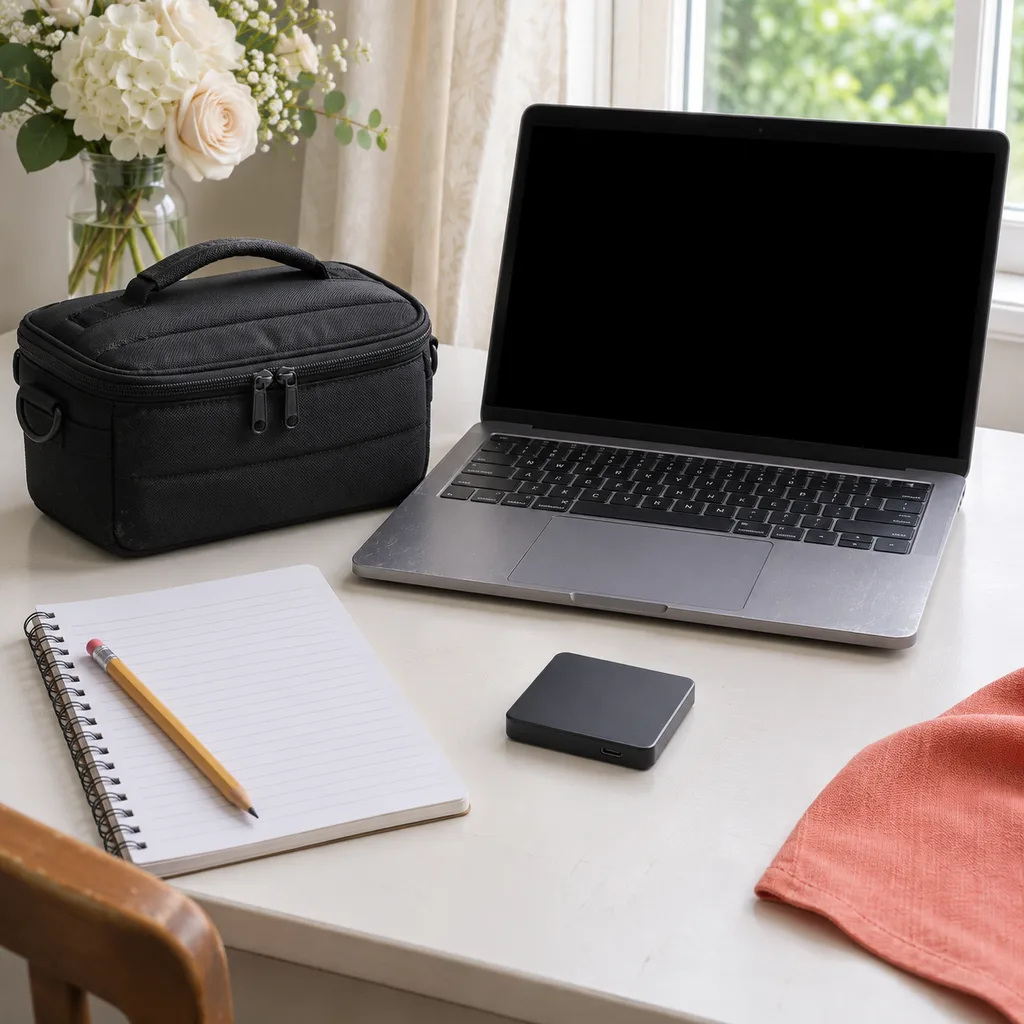
Name a helper who knows how the system works, when to check it and who receives the files afterward. Give them the supplier's support instructions and an agreed fallback. Keep passwords out of public signs; use the service's supported access arrangements rather than sharing an account casually.
Agree with the couple where messages will be kept, who may view them and whether any will be shared. Do not post a guest's video publicly merely because it was recorded at the wedding. Obtain their permission for that separate use and follow the service's current privacy and retention settings.
At collection time, verify the saved files before packing the equipment, and follow the actual backup process available for the system. The most valuable decoration is not another prop: it is a station whose invitation, recording and handover all make sense.
Keep good recipes close
Add The Cooking Twins to your preferred sources on Google for more easy dinners, no-bake desserts and kitchen inspiration.
Emma & Ella Frost
A practical resource from The Cooking Twins.
More from Emma & Ella Frost
Comments
Leave a commentShare your question or planning tip below.